Consider this. You post one job opening on a Monday. By Wednesday, you have 300 resumes in your inbox. Some are cool. Many are not even close. And you have to read every single one.
That’s the daily grind for a lot of HR teams.
It takes forever to read resumes. And then the shortlisting and the endless back and forth to fix interview slots. By the time you’ve done all that, your top candidate has already taken another offer. “It’s frustrating and frankly, it’s not what an HR person should be doing with their day.”
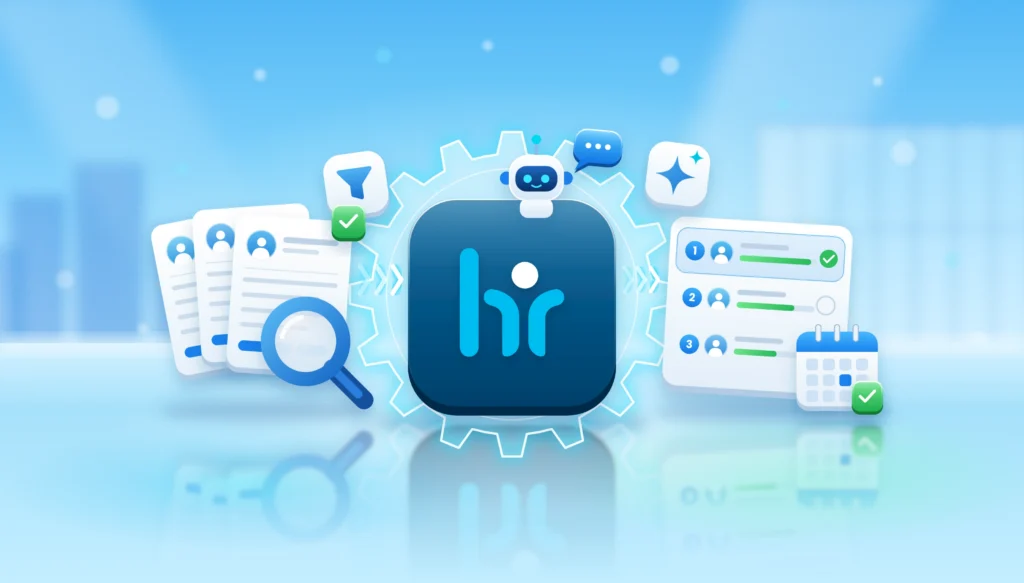
This is where automated candidate screening helps. Instead of going through every resume by hand, you let software do the first round of sorting. You still make the calls. The software just clears the pile.
A goodHR management software can also keep your recruitment work in one place, handle the boring repetitive tasks and store candidate details properly.WeekMate does this with AI-powered recruitment and screening built into its HRMS, so hiring doesn’t have to feel like a second full-time job.
Let’s break it all down.
What Is Automated Candidate Screening?
Automated candidate screening means using software to check resumes and applications against the requirements you set for a job. That’s it.
You say, “I need someone with three years of sales experience and a certain skill set.” The software reads each resume, looks for those things and sorts people by how well they fit. AI helps by understanding the resume content, not just matching exact words. If you’re curious how this kind of AI fits into HR as a whole, this piece ongenerative AI in HR management is a good starting point.
Compare that with the manual way. A recruiter opens a resume, skims it for 30 seconds, makes a gut call and moves on. Multiply that by 300. Tired eyes miss things. Mood changes the decision. The 40th resume doesn’t get the same attention as the 4th.
Software doesn’t get tired. It checks every resume against the same list, every time.
Does that mean software is smarter than a recruiter? No. It just handles the repetitive part really well, which leaves the thinking part to you.
How Does the Candidate Screening Process Work?
The candidate screening process sounds technical, but it’s really five simple steps.
Step 1: Define the job requirements
Everything starts here. What skills does the person need? How much experience? What’s a must-have and what’s nice to have?
Skip this and the rest falls apart. Software can only match against what you tell it.
Step 2: Collect resumes and pull out the data
Resumes come from everywhere. Job portals, your careers page, email, referrals. The system gathers them in one place and picks out the important details like education, skills and past roles.
No more copying details into spreadsheets by hand.
Step 3: Run the automated resume screening
Now the matching begins. The resume screening software compares each profile with your requirements and spots the relevant skills and experience. This is the step that saves the most time, honestly.
Step 4: Rank and shortlist candidates
Candidates get ordered based on your criteria. The strongest fits float to the top. Your recruiter can start with the best people instead of digging through the pile to find them.
Step 5: Schedule interviews and do first checks
Once you’ve picked who to talk to, the system can help set up interview schedules and send messages to candidates. Some tools also support first-round evaluations, so you know a bit more about someone before you ever get on a call.
How Automated Candidate Screening Improves Recruitment Productivity
Here’s the main part. What do you actually gain?
It cuts down manual resume screening time
This is the big one. Reading the same kind of resume again and again is slow, boring work. Automation takes over most of it, so your team can get through a large number of applications much faster.
It makes shortlisting more accurate
When every resume is checked against the same requirements, you stop relying on who happened to read it and when. You’re less likely to miss a good candidate just because their resume was number 187 in the stack.
It speeds up hiring
Slow hiring costs you good people. Strong candidates don’t wait around. When the gap between “applied” and “shortlisted” shrinks from days to hours, you’re in a much better spot to win them.
It reduces admin work
Data entry. Follow-up emails. Updating trackers. None of it is hard, but all of it adds up. Automating these small tasks gives you a surprising amount of time back. And recruitment is only one corner of it. Plenty of other HR chores can be handled the same way, as this guide onHR automation shows.
It makes recruiters more productive
Think about what you actually joined HR to do. Talk to people. Understand what they’re good at. Help the right person find the right role.
When screening is handled, that’s where your time goes. Interviews and real conversations.
It improves the candidate experience
Nobody likes applying and hearing nothing for weeks. Faster screening means faster replies. Candidates feel respected, and that matters for your employer brand, even with the people you don’t hire. The good feeling doesn’t stop at the offer letter either. It carries into the first day and beyond, which is something we covered inhow AI-powered HRMS supports employee experience.
It handles high-volume hiring
Got five open roles at once? Ten? Manual screening gets messy fast. With automation, a bigger pool of candidates doesn’t mean a bigger pile of work for your team.
Key Features to Look for in Resume Screening Software
Not every tool is the same. Before you pick one, check for these.
AI-powered resume screening
Automatic candidate ranking
Skill and experience matching
Applicant tracking
Interview scheduling
A proper candidate database
Automatic notifications and messages
Recruitment reports and analytics
Easy connection with your existing HR systems
That last one gets forgotten a lot. If your recruitment tool can’t talk to the rest of your HR setup, you’ll end up moving data around by hand again, which defeats the whole point.
Manual vs Automated Candidate Screening
Here’s a quick side-by-side so you can see the difference.
Comparison Factor
Manual Screening
Automated Screening
Resume Review
Read one by one
Analysed by software
Screening Speed
Slow
Much faster
Candidate Matching
Depends on the recruiter
Based on set criteria
Data Management
Spreadsheets and folders
Centralised records
Shortlisting
Done by hand
Automated assistance
Recruitment Workload
Heavy admin effort
Less repetitive work
Scalability
Needs more people
Handles bigger volumes
Common Challenges in Automated Candidate Screening
Let’s be honest here. Automation isn’t magic, and it comes with a few things to watch out for.
Bad data in, bad results out. If a resume is incomplete or badly formatted, the software might misread it.
Leaning on it too much. If you accept every ranking without a second look, you’ll eventually miss someone good.
Bias. This one’s serious. If the screening criteria or the data behind the system are biased, the results can be biased too. You need to check for this regularly.
Privacy. Candidates share personal details with you. That information needs to be stored safely and handled with care.
Transferable skills. Software can struggle with people whose experience doesn’t look like the job title on paper. A great marketer might make a brilliant sales lead, but a strict filter may never show you that resume.
Less human touch. Early screening can feel cold if there’s no person involved at any point.
So here’s the most important thing in this whole blog. Automation should support your decisions. It shouldn’t make them for you. Recruiters should always review the shortlist and keep hiring fair.
How WeekMate Helps You Automate Candidate Screening
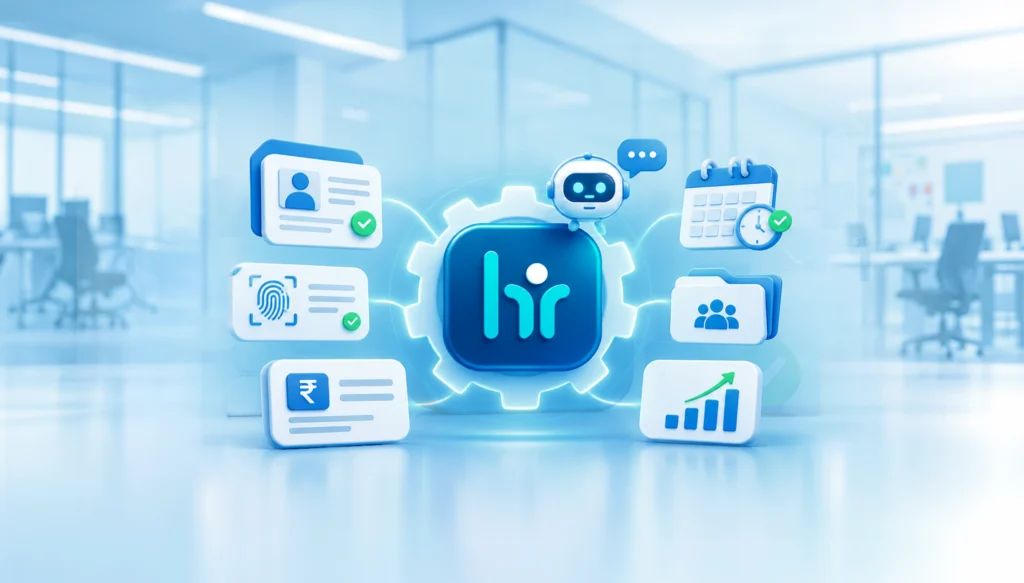
TheWeekMate HRMS has AI-powered recruitment and screening built in. It’s not a separate tool you have to stitch on. It sits inside the same system you’d use for attendance, payroll and onboarding.
Here’s what that looks like in practice.
AI-powered recruitment. It screens resumes and helps you find the candidates who fit the role.
Automated shortlisting. It ranks candidates against the role requirements, so you know where to look first.
First-round interview automation. WeekMate can run first-round interviews automatically, so your team steps in when it’s time to make the final call.
Applicant tracking. You can follow candidates through each stage without juggling spreadsheets.
Interview scheduling. Built right in, so you spend less time chasing calendars.
Centralised HR operations. Hiring connects to onboarding, attendance, payroll and the rest of your HR work. Once someone is hired, they move into the system smoothly, without anyone re-entering their details.
The point is simple. Your HR team spends less time sorting and more time deciding.
Best Practices for Automated Candidate Screening
Buying a tool is the easy part. Using it well takes a little thought.
Get your job requirements clear first. Vague job descriptions give vague results.
Use the right keywords and skills. Think about how candidates actually describe their experience, not only how your job post words it.
Review your screening criteria often. Roles change. Your filters should too.
Be open about how you evaluate people. Fair hiring builds trust.
Protect candidate data. Treat it the way you’d want your own treated.
Mix automation with human judgement. Always.
Track your numbers. Things like time to shortlist and time to hire tell you if the process is really working.
Small habits, big differences.
Final Thoughts: Is Recruitment Automation Worth It?
Short answer: yes. Especially if you’re growing.
Automated candidate screening saves time, makes shortlisting more consistent and takes a lot of admin off your team. Candidates hear back sooner. Recruiters spend their energy on people, not paperwork. As hiring volumes go up, that kind of recruitment process automation stops being a nice extra and starts being a necessity.
If you want to simplify hiring and bring your HR work into one place, WeekMate is worth a look.
Frequently Asked Questions
It's software that helps recruiters screen candidates by using artificial intelligence (AI) to compare candidates' resumes to the job requirements and providing a short list to recruiters.
It analyzes the content of each resume, breaks it down to skills, work experience and education and then uses it to compare to the job requirements to determine the candidate score.
No. It handles repetitive work like sorting and first checks. Recruiters still interview, judge fit and make the final hiring decision.
It can be, if the criteria or the data behind it are biased. That’s why you should review your criteria regularly and keep a human in the loop.
Not at all. Small and growing teams often benefit the most, because they have fewer people to handle a lot of applications.
Look for AI-based screening, candidate ranking, applicant tracking, interview scheduling, reporting and easy integration with your HR systems.
Yes. WeekMate’s HRMS includes AI-powered recruitment and screening. It can shortlist resumes, rank candidates against role requirements and run first-round interviews automatically.