
WeekMate’s HRMS has made payroll, leave management, and onboarding effortless. It saves me hours of manual work every week

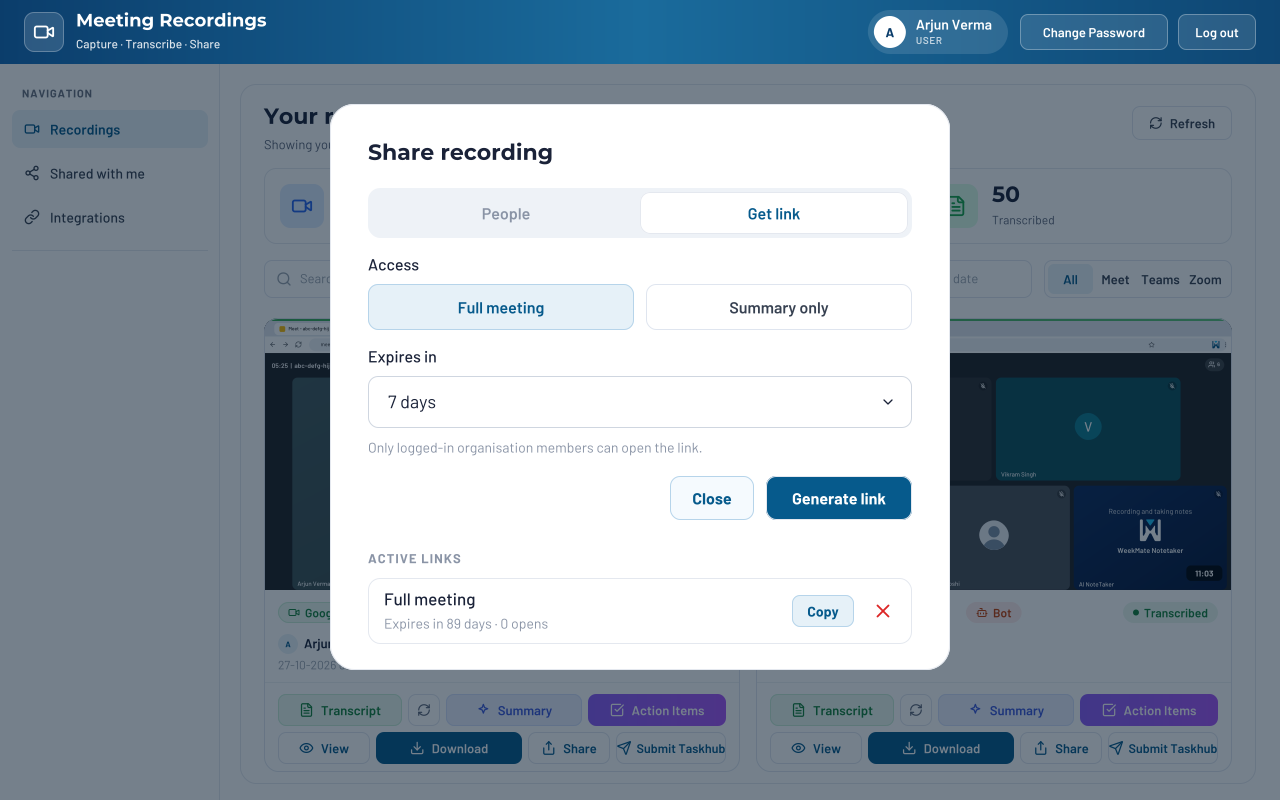
Every call is recorded and summarized in one place, and every follow-up already has an owner.

Your Zoom and Google Meet calls all sit in one list. No more digging through different apps to find a single meeting.

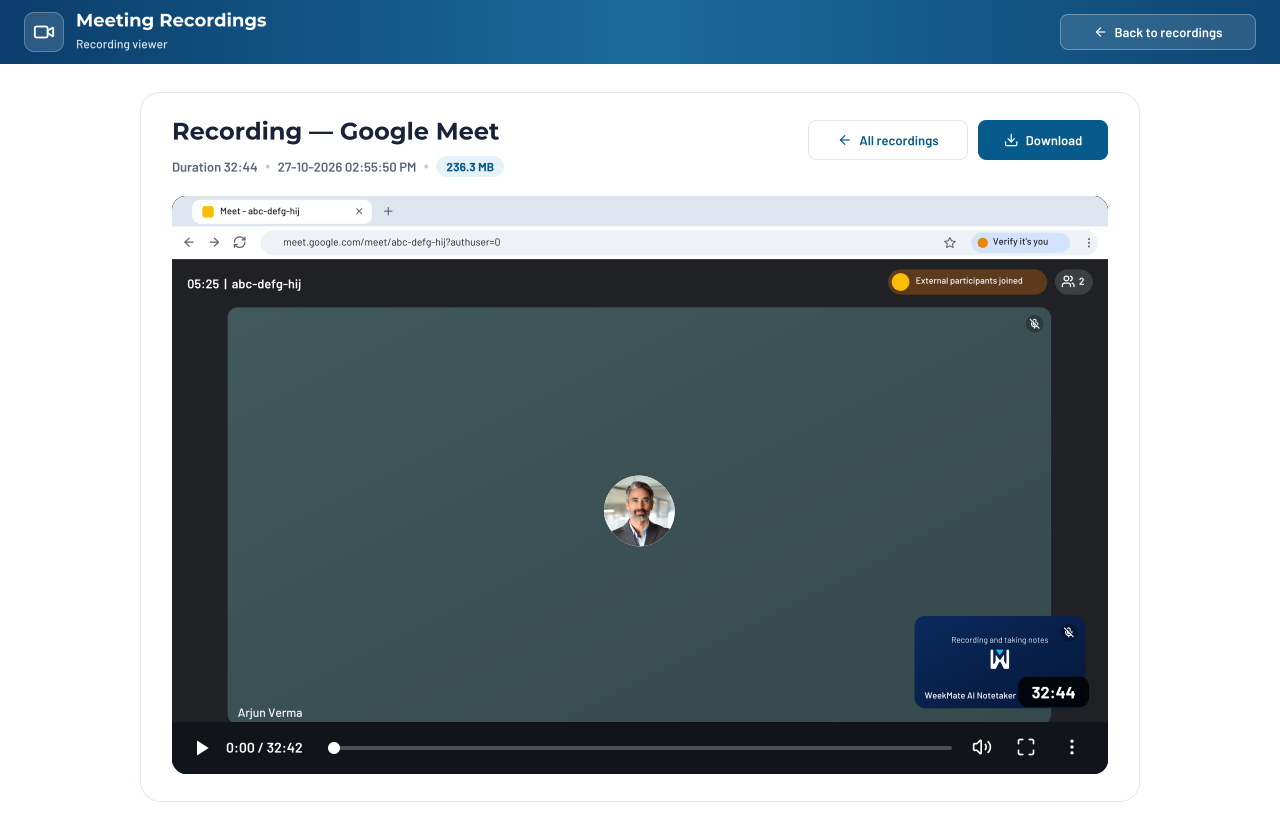
Not sure what was agreed? Open the recording and jump straight to the moment that matters.

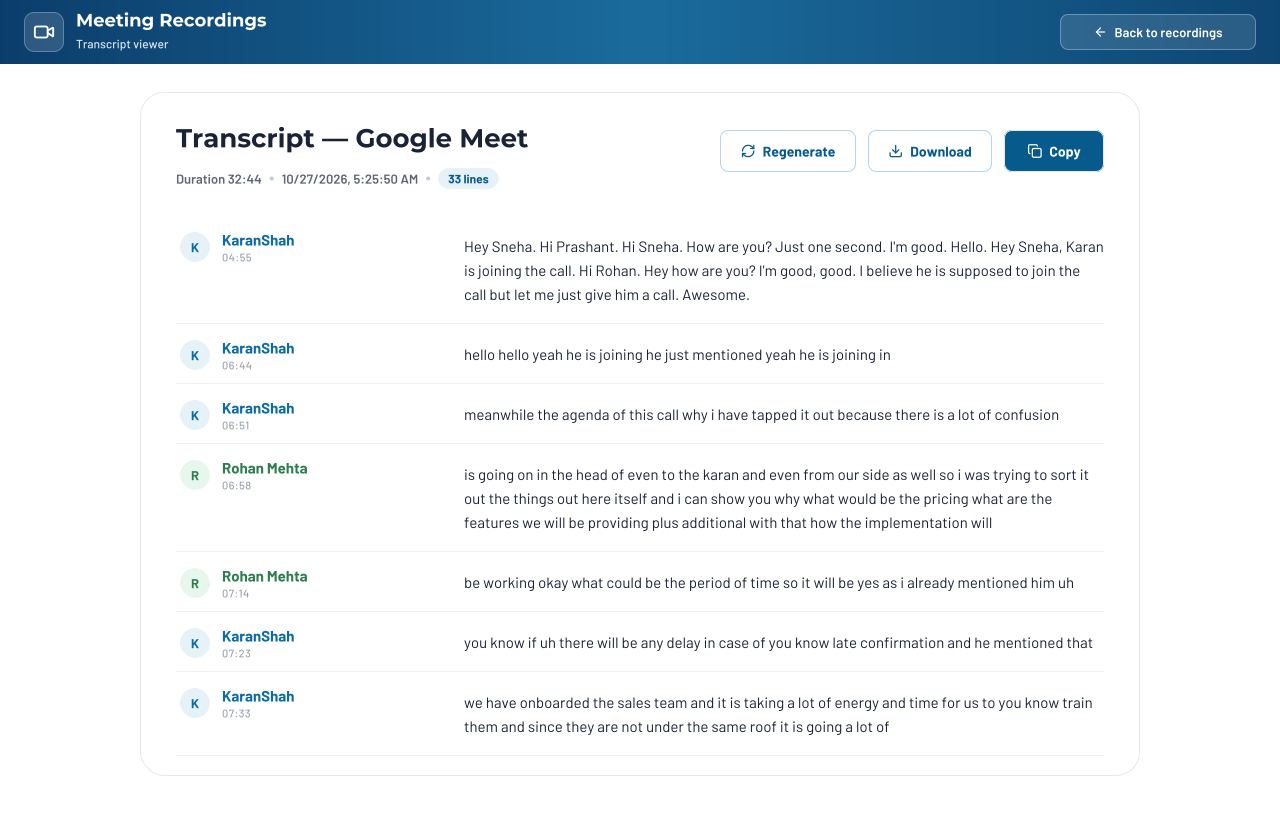
See who said what. Search the transcript for a word or phrase instead of rewatching the whole call.

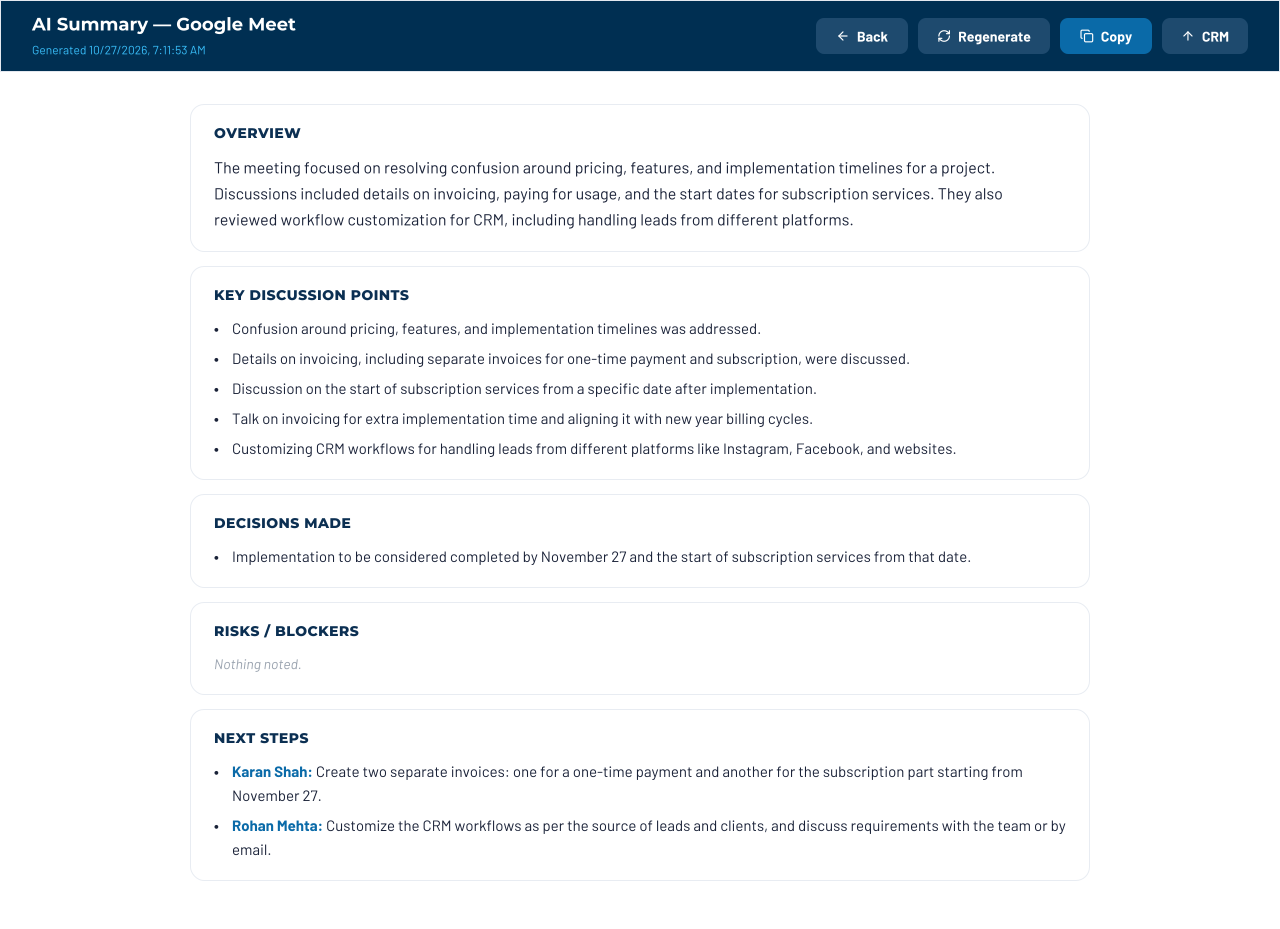
Skip the hour-long replay. By the time the call ends, the key points and decisions are already written up.

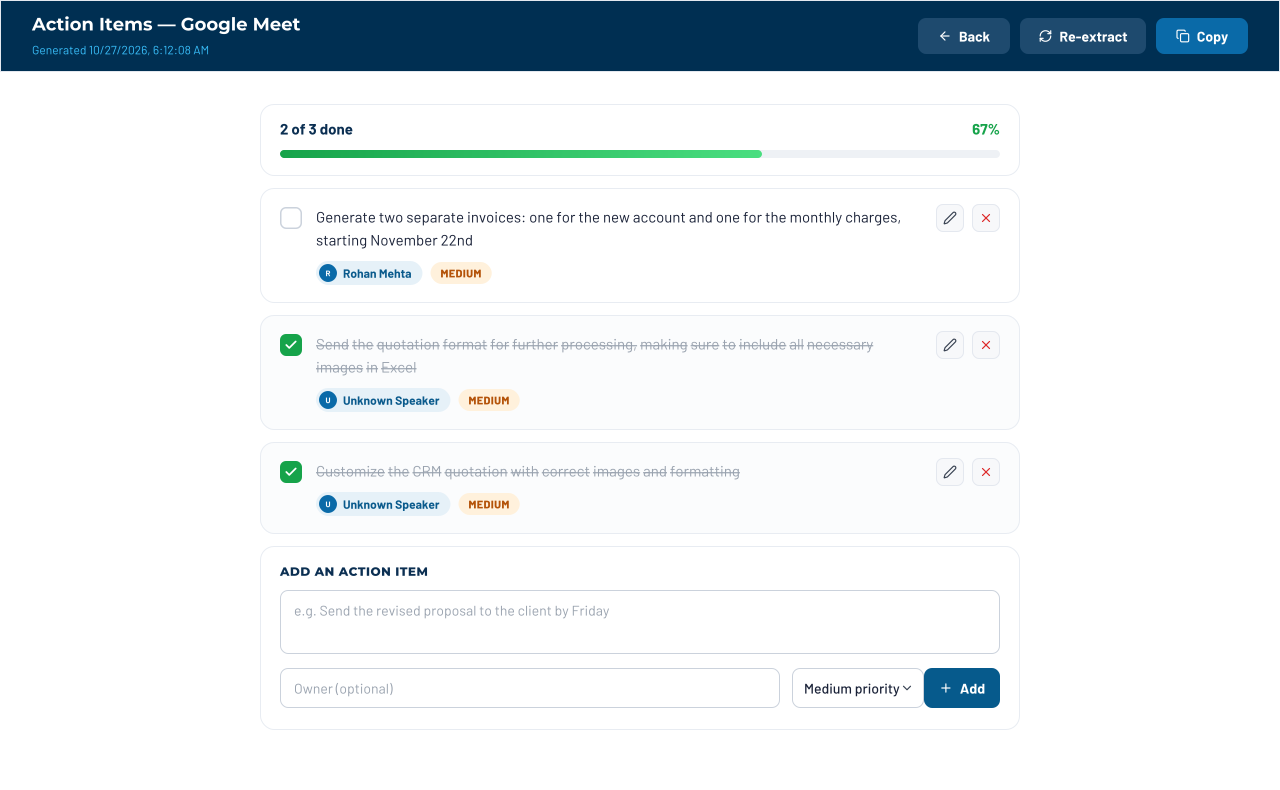
Each action item shows who owns it, so nobody has to ask, “Wait, was that me?”

Share with teammates or send a link that expires. Then see who actually opened it.
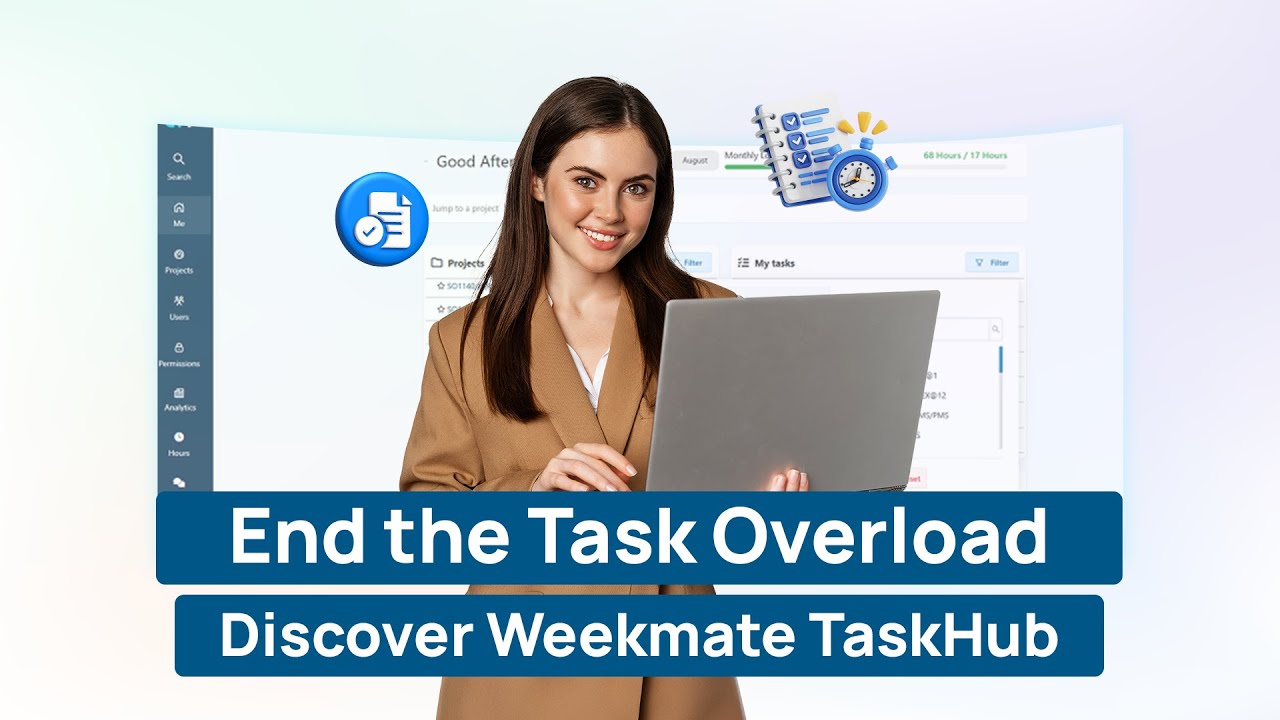
It is made for teams who wish to record, summarize and follow up on all meetings without any additional work. Every action item goes to the right person and directly to TaskHub. Try it out with any one team or with your entire company and come down to all the tools you require to record, make notes and create tasks.
View all meeting activity by platform, and count of your calls. No longer having to go between apps to locate the right one.
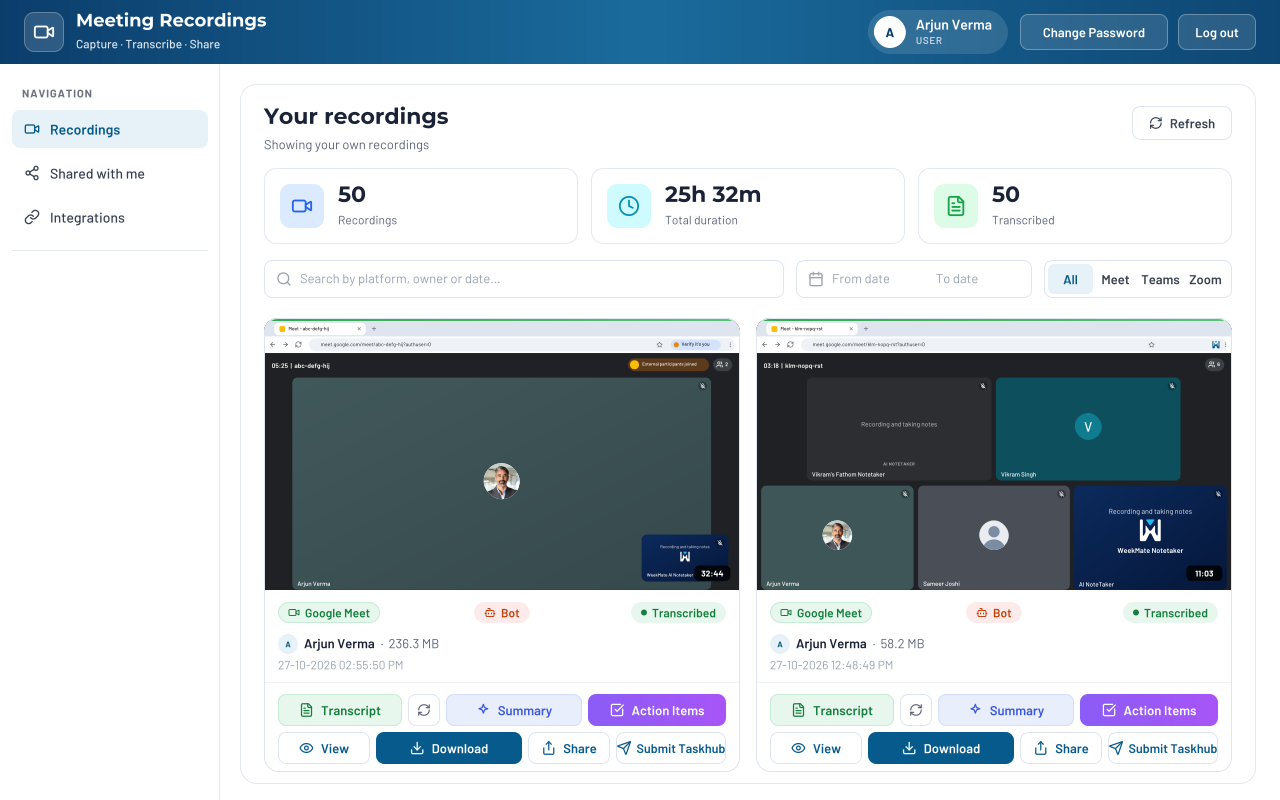
Whether your team is holding a Zoom or Google Meet, WeekMate Notetaker records, summarizes and follows up on all calls.
Honor all commitments on a phone call. Share recordings via links that expire when you wish to expire.
WeekMate powers sales and service teams across industries. From startups to enterprise, our clients rely on us to keep their systems simple, secure, and built for growth.





































Many pioneering clients trusted WeekMate to drive innovation and simplify their task management.
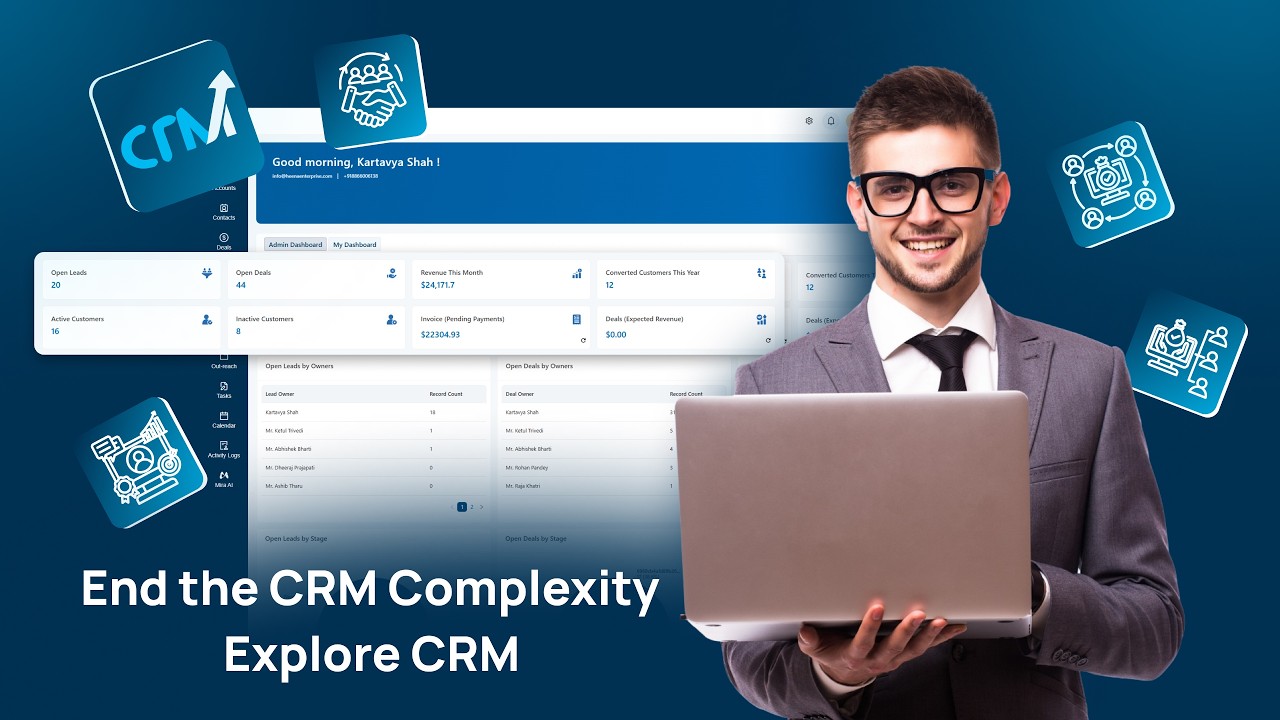

Affordable pricing designed to deliver maximum value without compromising quality. Smart solutions that fit your budget.
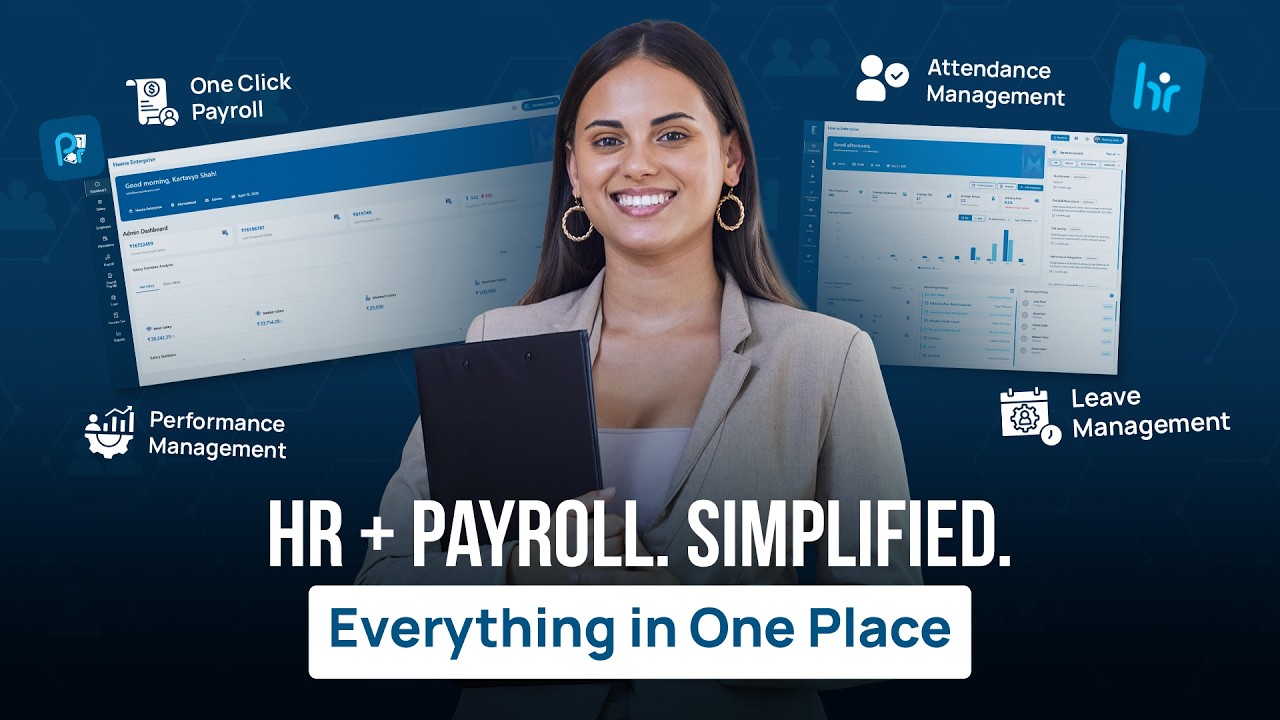
HR leaders, founders and team leads share how WeekMate has simplified their processes, saved hours every week and brought their teams onto one platform.
WeekMate’s HRMS has made payroll, leave management, and onboarding effortless. It saves me hours of manual work every week
WeekMate transformed how we manage HR across our growing team. From automating leave approvals to tracking performance goals, everything now runs like clockwork.

As a fast-scaling SaaS company, we needed HR systems that matched our pace. WeekMate gave us that and more—centralized access, effortless workflows, and full visibility into our team’s progress.

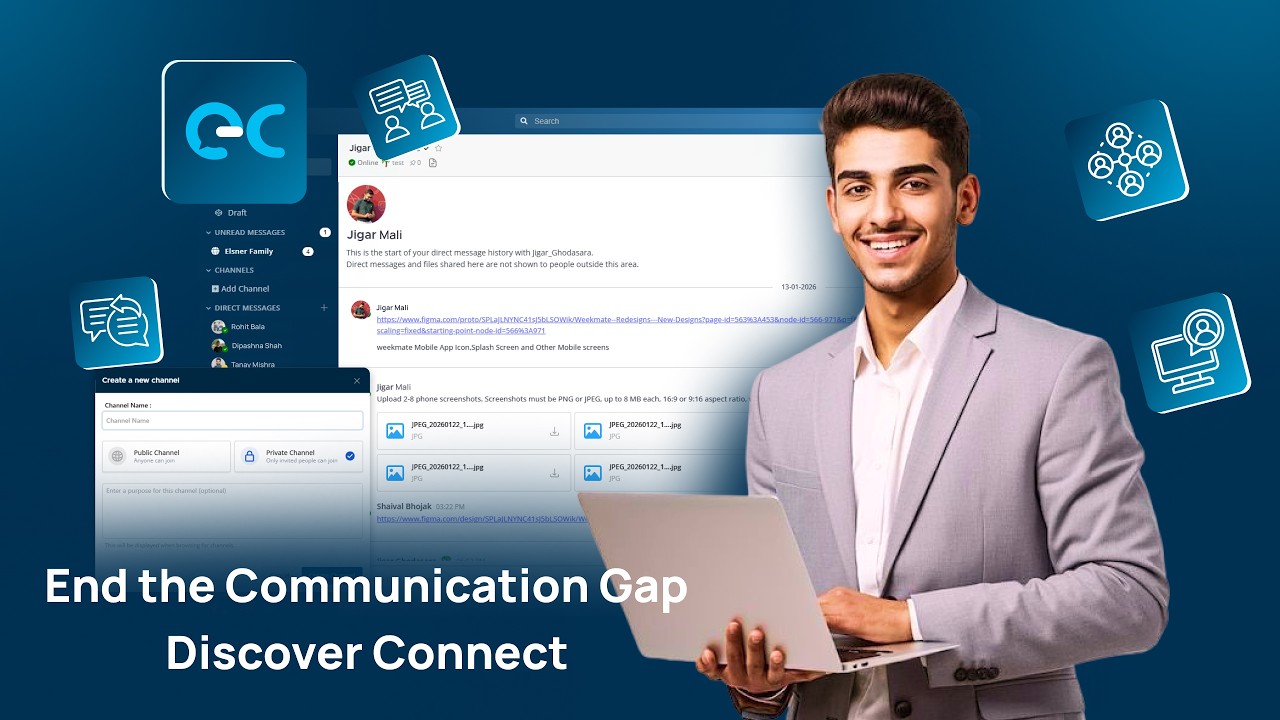
Weekmate Connect keeps all our internal communication organised in one place. No more lost emails or missed updates the whole team stays aligned.

Our overall experience has been good. WeekMate makes it easier for us to keep track of attendance and leave when our teams are working across different locations. The employee self-service option is also useful for handling regular requests, while HR can check the records when needed.
