HR isn’t the paper-based file system and spreadsheets anymore. That’s a thing of the past in most businesses.
More companies are shifting from traditional, on-premise HR systems to cloud HRMS software. It’s not a fad. It addresses real-world challenges such as slow processes, fragmented data, and IT departments grappling with server maintenance.
This article will explain what exactly cloud HRMS is, its advantages, and how to determine whether or not it’s secure enough to send your employee data.
What Is Cloud HRMS Software?
An HRMS, or Human Resource Management System, is software that handles the day-to-day work of managing people. Things like payroll, attendance, leave, onboarding, and performance reviews.
Adding ‘cloud technology’ just means this software runs over the internet instead of being installed on your own machines. You’re not setting up anything on local servers. You’re using a service hosted somewhere else.
How Cloud HRMS Works
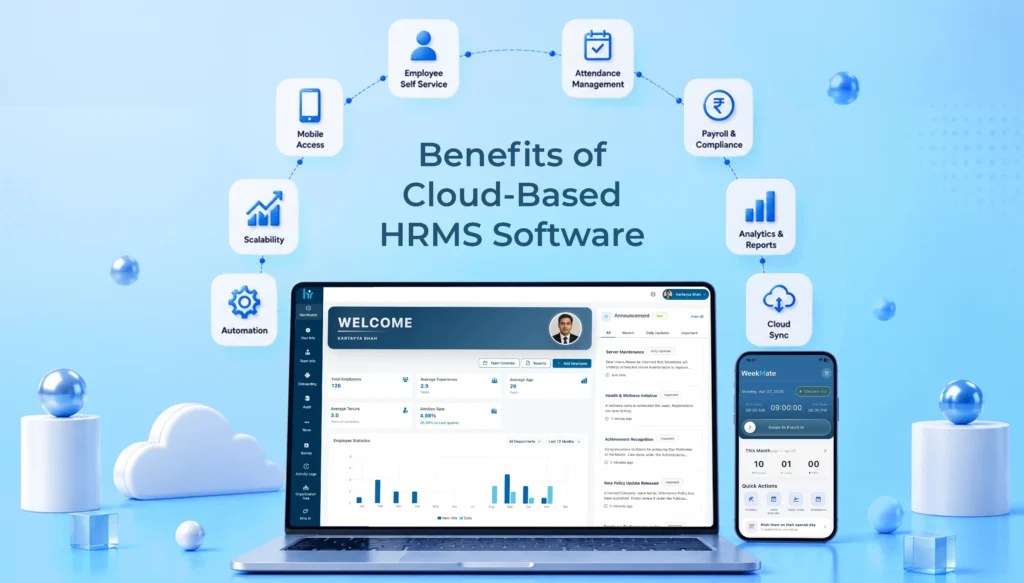
The vendor hosts the software on their own servers, and you access it through a web browser or a mobile app – no installation needed on your end. Whether you’re at your desk or halfway across the country, the system works the same way.
Pricing is usually subscription-based, billed monthly or annually depending on your employee count. You’re not paying for infrastructure. You’re paying to use the service.
Cloud HRMS vs On-Premise HRMS
The key distinction is the ownership and operation of infrastructure. Cloud HRMS means the vendor will manage servers, deployment and updates. With on-premise HRMS, your internal IT team manages it.
Another difference is accessibility. Cloud systems are designed to be accessed from all places and on all gadgets. On-premise systems may only be able to be used within your internal network, making them somewhat restrictive for remote or hybrid teams.
Costs are also different. Typically, cloud HRMS software has a cheaper initial cost and a recurring cost that is fixed. On-premise HRMS typically demands a bigger startup investment in hardware and licenses, plus maintenance expenses.
The Real Advantages of Cloud HRMS for Indian Businesses
Let us go through some Advantages of cloud HRMS that Indian businesses can experience:
Lower Total Cost of Ownership
No servers to buy, no dedicated hardware refresh cycles, and lower IT maintenance costs overall. Pricing is predictable too – a monthly or annual fee instead of unpredictable maintenance bills showing up when something breaks.
Easy Scalability
Adding new employees doesn’t mean adding new infrastructure. Whether you’re a startup adding your first ten hires or an enterprise scaling into new markets, the system flexes with you instead of requiring a rebuild.
Support for Remote and Hybrid Workforces
There are self-service portals that let employees check their own leave balance or update their details without emailing HR. Further, mobile attendance and leave management let employees check in from wherever they’re working. And access from multiple locations just works, without extra setup.
Automatic Updates and Compliance Support
Regular feature enhancements roll out without you doing anything. Payroll and statutory compliance updates happen automatically as rules change, which matters a lot in India where tax and compliance requirements shift fairly often. That alone reduces a huge chunk of administrative burden.
Improved Employee Experience
Self-service capabilities mean employees aren’t waiting on HR for basic requests. HR processes move faster overall. And there’s better transparency. People can see their own records, requests, and approvals without having to ask.
Centralized HR Data Management
Everything sits in one system instead of scattered spreadsheets and files. That means less manual record keeping and better reporting since all the data is already in one place.
Faster Decision-Making
Real-time dashboards give you workforce insights as they happen, not a week later in a static report. That means HR planning becomes something you do with current data, not last month’s.
Is Cloud HRMS Secure? What to Verify Before You Trust a Vendor
Understanding Cloud Security Myths
There’s a common assumption that cloud automatically means less secure. In practice, it’s often the opposite. Most vendors invest more in security infrastructure than a typical mid-sized company could build on its own. Security works on a shared responsibility model: the vendor secures the platform itself, while you’re responsible for managing access properly on your end.
Security Certifications to Look For
Look for ISO 27001 and SOC 2 certifications at minimum. If you’re dealing with any international employee data, check for GDPR readiness tool. And ask about the certifications held by the actual data centers the vendor uses, not just the software company itself.
Data Protection Measures
Encryption should cover data both at rest and in transit. Ask how backups are secured and how often they run. And confirm there’s an actual disaster recovery plan, not just a vague assurance that it’s handled.
Access Control Features
Role-based permissions should be standard, so employees only see what’s relevant to them. Multi-factor authentication and single sign-on aren’t extras anymore. They’re baseline expectations for any serious HRMS vendor.
Data Storage and Residency Considerations
Know exactly where your employee data physically sits. This matters for compliance with Indian data protection regulations, and it’s a reasonable thing to ask any vendor directly rather than assume.
Vendor Transparency Checklist
Before confirming, check if the vendor is upfront about their security policies, uptime guarantees, incident response process, and whether they maintain audit logs and active monitoring. A vendor who’s not clear on any of these is worth a second look.
Questions to Ask Before Signing
A few worth asking directly: How often are backups performed? What happens if the service is interrupted? How exactly is customer data protected? And what support is available if a security incident actually happens?
Must-Have Features in a Cloud HRMS Solution
Core HR Management
An employee database, digital document management, and organizational charts should be the baseline, not an add-on.
Payroll and Compliance
Make sure that automated payroll processing, accurate tax calculations, and statutory compliance support get updated as regulations change.
Attendance and Leave Management
Attendance tracking, shift scheduling, and leave workflows that don’t require manual approval chains over email.
Employee Self-Service (ESS)
Employees should be able to update personal information, request leave, and access payslips. There should be no need for the HR to do it for them.
Recruitment and Onboarding
Applicant tracking, digital onboarding workflows, and offer management that don’t rely on printed paperwork.
Performance Management
Goal setting, structured performance reviews, and space for continuous feedback rather than a once-a-year formality.
Learning and Development
Training management, skill tracking, and certification monitoring are mostly useful for industries with heavy compliances.
Analytics and Reporting
HR dashboards, workforce metrics, and the ability to build custom reports without needing a data analyst on standby.
Mobile Accessibility
A mobile app that actually works well, plus manager approvals that can happen on the go instead of piling up.
Integrations
Support for connecting with accounting software, ERP systems, biometric devices, and collaboration tools your team already uses. Platforms like WeekMate bundle a lot of this natively, which cuts down on the number of separate tools you need to manage.
How to Choose the Right Cloud HRMS for Your Size and Growth
Assess Your Current HR Challenges
Start honestly. Are you dealing with manual processes eating up time? Compliance risks you’re not fully on top of? Gaps in employee experience that keep coming up in feedback? Your priorities should follow from your actual pain points.
Define Business Requirements
Before you begin your search, make sure you understand your business needs in terms of employees, location and any industry specific requirements. It is not the same thing that a 30-person start-up and a 3,000-person manufacturer are buying.
Evaluate Scalability
Imagine where your workforce will be in 2-3 years – not now. If expansion to multiple locations is planned for, look into it; if it isn’t, check what additional modules are available as the business expands.
Compare Security and Compliance Standards
Don’t take a feature sheet’s word for it. Leverage the certification standards directly compared, data privacy controls, and the audit options to each vendor you have on your short list, and ask the questions from section 5.7.
Review User Experience
Test the system to see how easy it is to use, because, no matter how powerful the system is, if your workers aren’t able to use it, it will not get used. Focus in particular on mobile, as much of daily usage is there.
Consider Vendor Support
Look at implementation assistance, available customer support channels, and whether training resources are actually good or just a PDF nobody reads.
Analyze Total Cost
Don’t limit yourself to a subscription price. Take into account implementation charges, integration expenses, and directly inquire about possible concealed charges that can emerge later.
Request a Product Demo
Request to test critical workflows for your business – not the vendor’s showpiece walk-throughs. Confirm reporting functionality and test its day-to-day manageability to understand how easy it is.
Create a Vendor Evaluation Checklist
Make a side-by-side comparison of shortlisted vendors in terms of features, security, pricing, scalability, support, and integrations. This is something that is simple to do, but it would be great to have it written down to make it less subjective.
Common Mistakes to Avoid
Choosing based solely on price, without weighing what you’re giving up on features or security. Skipping proper security due diligence because a demo looked polished. Overlooking future scalability because current needs feel manageable. Failing to involve both HR and IT stakeholders in the decision. And not testing the platform properly before committing to a contract.
Each of these feels minor at the moment. They rarely stay that way.
Conclusion
Cloud HRMS solution offers real flexibility, scalability, and operational efficiency. This isn’t just marketing language; it’s a genuine shift in how HR functions day to day. But security isn’t something to assume by default. It comes down to choosing the right vendor and actually verifying their protections instead of taking their word for it.
The best HRMS solution is the one that fits your current requirements while leaving room for where your business is headed next. A structured evaluation process – clear requirements, proper security checks, real demos, and honest cost comparisons – helps you get the most out of your investment while keeping risk low.
FAQs
1. Is cloud HRMS suitable for small businesses?
Yes. Cloud HRMS is suitable for small businesses, as they do not have to come up with a large sum of money to buy the on-premise system. They have smaller teams and hence can function with a cloud HRMS.
2. How long does it take to implement a cloud HRMS?
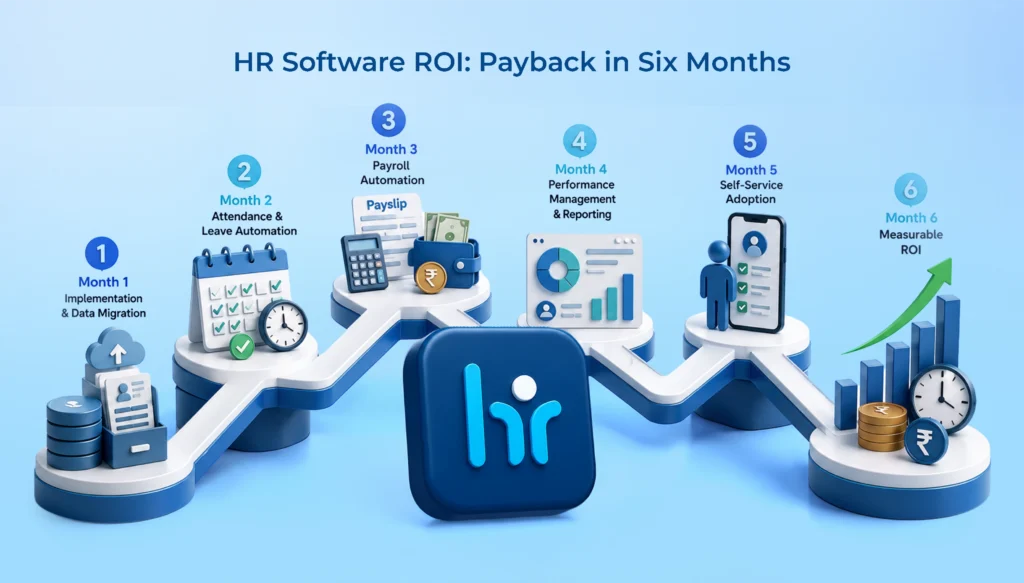
Most implementations take a few days to a few weeks, depending on the vendor and size of the company, as compared to the on-premise implementation where most implementations take a few months.
3. Can cloud HRMS integrate with existing accounting or ERP systems?
Many cloud HRMS systems, along with WeekMate, can integrate with popular accounting software, enterprise resource planning (ERP) systems and biometric devices. This makes it easy for organizations to function.
4. What happens to our data if we switch vendors later?
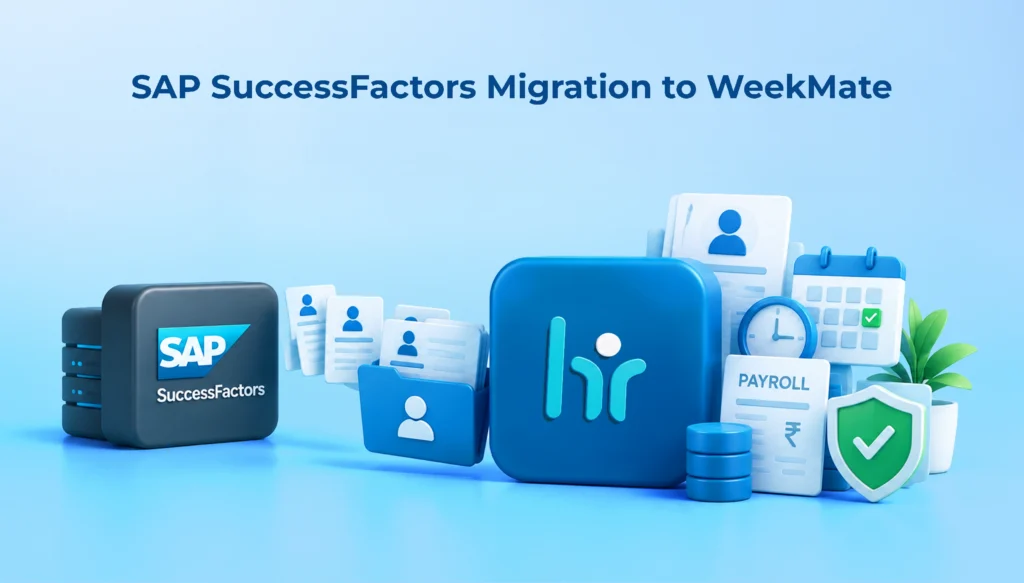
Trustworthy vendors offer an option to export the data. Be sure to verify this in the vendor evaluation process, before signing on the dotted line.